
AI media production can remove a lot of repetitive work from content publishing, especially when images, short videos and task hand-offs need to be tracked carefully. This workflow set shows how Netlogyx uses automation to keep media tasks moving through creation, storage and publishing. It is not a magic shortcut, but it does make the process more consistent and easier to manage.

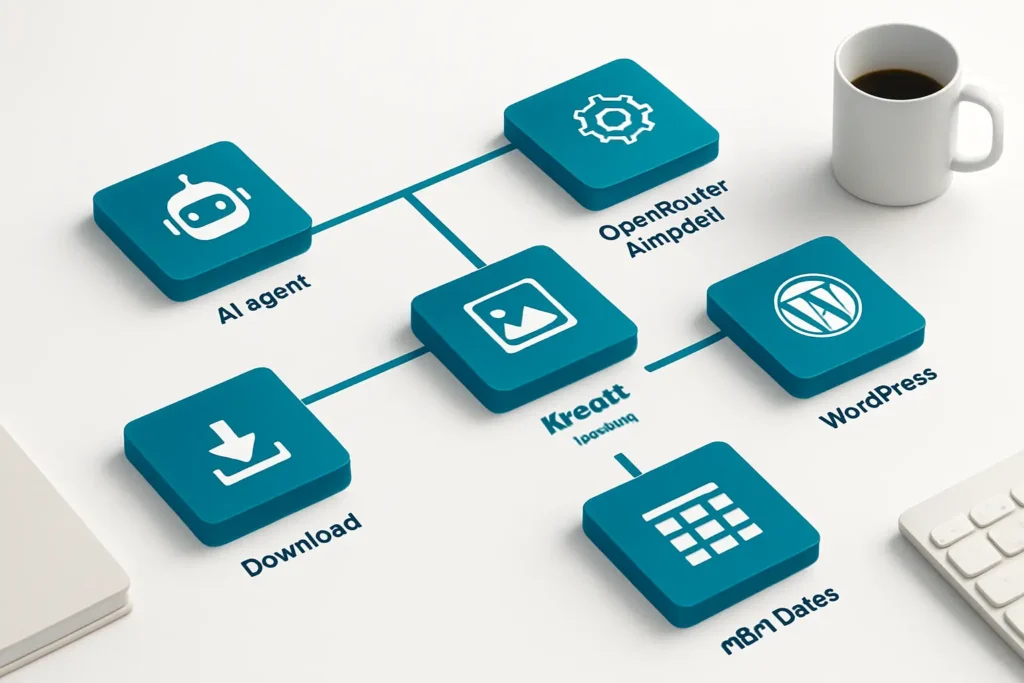
This AI media production workflow set combines scheduled jobs, reusable building blocks and one AI-powered agent workflow to support content creation and publishing. It connects AI agent logic, Kie.ai media generation, OpenRouter AI models, WordPress and n8n Data Tables so media tasks can be created, checked, downloaded, stored and published with less manual handling. The set covers blog image generation, LinkedIn image persistence, task management, YouTube short generation and a shared media generator. For Australian small and medium businesses, the main value is operational: fewer copy-and-paste steps, clearer task status, and a more reliable path from request to published asset.
The workflows reduce the need to check media jobs by hand, download files one by one or remember where each task is up to. That is useful when content work is spread across several tools.
Task states, pending items, successful jobs and failures are tracked in n8n Data Tables. This makes it easier to see what needs attention and what has already been handled.
Blog images can be uploaded to WordPress with metadata and featured image settings applied in the workflow. That helps keep publishing steps consistent rather than relying on memory.
Several workflows are designed to be called by other workflows, which avoids rebuilding the same logic each time. That makes the automation easier to extend and maintain.
The task manager includes checks for errors, stale tasks, timeouts and not-ready states. This gives teams a clearer path for dealing with incomplete media jobs.
Creates blog images, checks progress, downloads the file and sets the featured image in WordPress.
Creates an image, waits for the result, downloads it and stores it for later use.
An AI agent workflow that handles Kie-related tasks, lesson context and external task requests.
Manages Kie tasks, updates status, downloads assets and handles callbacks, errors and timeouts.
Creates YouTube short tasks, checks progress and stores generated videos or failure status.
Builds and tracks media requests, waits for task completion and formats the final output.
AI agentKie.ai media generationOpenRouter AI modelsWordPressn8n Data Tables
AI media production workflows are most useful when your team already has regular content tasks and wants less manual handling around images, short videos and task tracking. This set is strongest as an operations layer rather than a creative replacement: it helps requests move through creation, checking, storage and publishing in a more orderly way. The trade-off is that you still need good inputs, clear process ownership and a plan for failures. For businesses using WordPress and n8n, it is a practical example of automation that improves consistency without pretending to remove every human step.
Want automations like these working in your business? We will look at where your team loses time today and map out practical, low-risk automation and AI opportunities. No obligation, and we are not looking to replace your current provider.
Book a Complimentary Discovery Session TodayTake the Business Systems Health Check
It means using automation to create, track, download and publish media assets with less manual work. In this workflow set, that includes blog images, LinkedIn images and YouTube shorts, plus task tracking and storage. The main benefit is a more consistent process, not a replacement for content planning or approval.
Yes, the Article Blog Image Generator includes WordPress upload and featured image steps. That means the image can move from generation to publishing without someone manually downloading and re-uploading it. You still need to decide how the article and image are approved before the workflow runs.
No. Only one workflow is marked as AI-powered, while others focus on task handling, persistence and publishing support. That is useful because not every part of media production needs AI. Some steps are better handled as structured automation with clear status tracking.
It depends on external media services, so timing and availability matter. It also works best when the inputs, task rules and failure handling are defined clearly. If those basics are vague, automation can still move faster, but it will not fix a messy process.