
Client Assessments & Onboarding is a workflow set built to reduce manual handling across assessment intake, follow-up, record keeping and SharePoint archiving. It connects Microsoft 365, ConnectWise PSA and n8n Data Tables so information moves through a more consistent process.
For Australian SMBs, the main value is not flashy AI output. It is cleaner intake, fewer repeated steps, better visibility of where records live, and more reliable follow-up after a form is submitted.

This workflow set covers client-facing assessments, onboarding submissions and the back-end admin that usually slows them down. Some workflows start from a web form or web app, while others act as reusable building blocks called by other workflows. That design helps keep the process modular, so assessment results, invitations, follow-up activities and SharePoint archiving can be handled in a consistent way. The set uses Microsoft 365 for document and SharePoint handling, ConnectWise PSA for follow-up activity, and n8n Data Tables for storing learned mappings and submission data. The practical benefit is less manual copying, fewer folder-location mistakes, and a clearer path from submission to stored record.
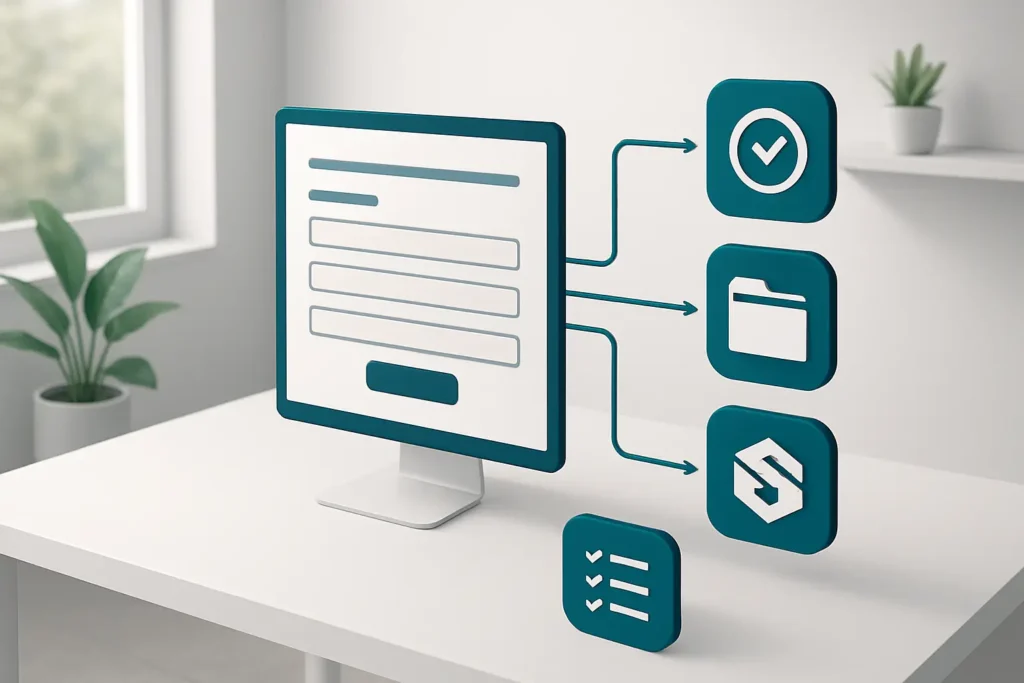
Assessment and onboarding submissions are captured through forms or web apps, then normalised and scored automatically. That removes repeated data entry and reduces the chance of inconsistent handling.
The archiver workflows search for the correct client folder, learn mappings, and store reports in the right place. This reduces misfiled documents and the delay of manually checking folder structures.
The workflows can create ConnectWise PSA activities and calendar follow-ups after a submission or assessment. That makes next steps easier to track and less dependent on someone remembering to do it later.
Assessment results can be returned immediately, emailed, and stored persistently. That gives staff a clearer record of what was submitted, scored and sent.
Because some workflows are building blocks, the same logic can be reused across related assessment and onboarding tasks. That makes the set easier to keep consistent as processes change.
Finds or learns the right SharePoint folder, converts assessment reports to Word, uploads them, and handles folder correction when needed.
Runs a business readiness assessment, returns results, emails them, and can create follow-up and invitation actions.
Searches for the correct SharePoint folder, stores business health reports, and manages folder correction or learning when needed.
Scores a systems health check, emails a personalised report, saves the lead, and can create follow-up activities.
Accepts MSP transition submissions, normalises and scores them, stores the data, and returns status.
Builds and displays the MSP transition onboarding form for users to complete.
ConnectWise PSAMicrosoft 365n8n Data Tables
Client Assessments & Onboarding is a practical workflow set for businesses that want less manual handling around intake, assessment and archiving. Its strength is not a single dramatic feature, but the way it connects submission, scoring, follow-up and document storage into a repeatable process. The SharePoint mapping logic is especially useful where folder structures are not perfectly standardised. It is best suited to teams already using Microsoft 365 and ConnectWise PSA, and to organisations that want more reliable admin without adding unnecessary complexity.
Want automations like these working in your business? We will look at where your team loses time today and map out practical, low-risk automation and AI opportunities. No obligation, and we are not looking to replace your current provider.
Book a Complimentary Discovery Session TodayTake the Business Systems Health Check
Client onboarding automation moves submissions, scoring, follow-up and record storage through a repeatable process instead of relying on manual hand-offs. In this workflow set, that includes form intake, assessment results, ConnectWise PSA activities, and SharePoint archiving. The result is a more consistent process with fewer steps to manage by hand.
Yes. Microsoft 365 is used in the assessment archiving workflows and in the health check and follow-up processes. It supports document handling, SharePoint storage, email-related actions and calendar follow-up, which makes it a practical fit for teams already working in Microsoft 365.
No. The supplied workflows are marked as not using AI. The value comes from automation, scoring, document handling, folder mapping and follow-up orchestration rather than AI-generated content.
You need working forms or web apps feeding submissions into the workflows, plus the connected systems you want to use, such as Microsoft 365, ConnectWise PSA and n8n Data Tables. It also helps to have a clear process for assessment criteria, folder structures and who owns follow-up.