
IT documentation automation can turn scattered ConnectWise notes into a more structured, trackable process. This workflow set combines AI-assisted classification with scheduled sync and reporting steps so documentation work is easier to follow.
For Australian SMBs, the main value is not flashy AI output. It is the removal of repetitive manual handling, better visibility over what has changed and a more consistent way to keep documentation moving.

This IT documentation automation set is built around three connected workflows that support documentation staging, nightly synchronisation and daily progress reporting. The first workflow uses OpenAI to classify notes, extract documentation details and stage secrets and configuration data for later handling. The second workflow runs on a schedule or on demand to process ConnectWise companies, record results and send a night summary through Microsoft 365. The third workflow builds a daily progress email from changes stored in n8n Data Tables. Together, they reduce manual copying, make documentation activity easier to track and create a clearer operational trail without relying on ad hoc updates.
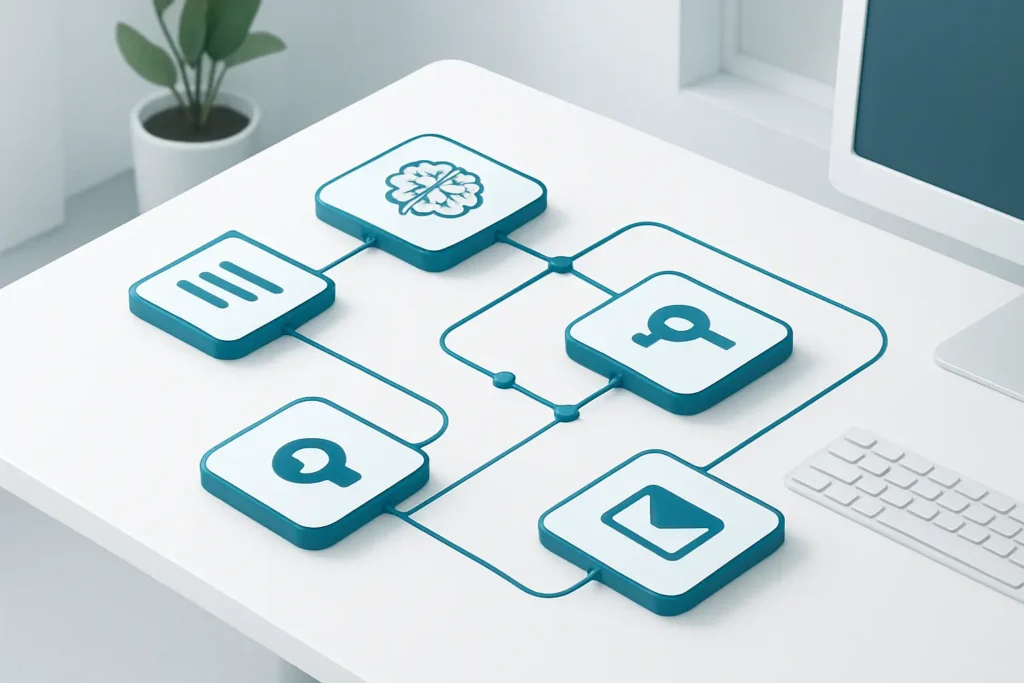
The AI-assisted workflow takes on the repetitive work of classifying notes and extracting documentation details. That reduces the need to read, sort and re-enter information by hand.
The staged process separates note handling, configuration mapping and reporting into defined steps. This makes the work easier to follow and less dependent on memory or informal updates.
Nightly summaries and daily progress emails show what changed and what ran. That makes it easier to see whether documentation work is moving forward.
Using the same workflow path for companies, configurations and list values helps reduce variation between records. Consistency matters when several people need to rely on the same documentation.
Secrets are parsed, staged and indexed rather than handled casually inside the process. That gives the team a more deliberate way to manage sensitive information.
Uses AI to classify ConnectWise notes, stage secrets and map configuration data into a more structured documentation process.
Runs documentation syncs for ConnectWise companies on a schedule or on demand, then records results and sends a night summary.
Builds a daily email from documentation, duplicate cleanup and secret staging changes stored in n8n Data Tables.
ConnectWise PSAMicrosoft 365OpenAIn8n Data Tables
This is a practical IT documentation automation set rather than a showpiece AI build. Its strength is in turning a messy, manual documentation process into a staged system with clear checkpoints, scheduled runs and useful reporting. The AI component is focused and specific, which makes it easier to understand where it helps and where human oversight still matters. For Australian SMBs already working in ConnectWise, it is most valuable when the goal is consistency, visibility and less repetitive handling, not full autonomy.
Want automations like these working in your business? We will look at where your team loses time today and map out practical, low-risk automation and AI opportunities. No obligation, and we are not looking to replace your current provider.
Book a Complimentary Discovery Session TodayTake the Business Systems Health Check
IT documentation automation is the use of workflows to move notes, configuration data and progress reporting through a repeatable process. In this set, it helps stage ConnectWise notes, run scheduled syncs and send daily updates without relying on manual follow-up for every step.
Yes, one of the three workflows uses OpenAI to classify and extract documentation details from ConnectWise notes. The other workflows focus on scheduled sync, reporting and progress tracking without AI.
This workflow set connects to ConnectWise PSA, Microsoft 365, OpenAI and n8n Data Tables. Those systems support note handling, reporting, AI-assisted classification and storage of progress or change data.
No. One workflow is designed to run on a schedule but can also be run on demand, and another runs on a schedule for daily reporting. That makes it useful for both routine operations and manual follow-up when needed.