
Knowledge base automation is a practical way to turn support activity into reusable content without relying on manual tracking and copy-paste work. This workflow set helps collect candidate articles, manage approvals and publish approved content across internal and public channels.

This knowledge base automation set combines ConnectWise PSA, Microsoft Outlook, OpenAI, WordPress and n8n Data Tables to move support knowledge through a defined content pipeline. It mines tickets and calls for candidate articles, stores them for review, sends approval emails, handles approval responses, and publishes approved content to ConnectWise and WordPress. It also captures recurring social questions and turns them into KB candidates. Two workflows use AI to analyse ticket evidence and prepare approval content, while the rest focus on routing, storage, review and publishing. The result is a more consistent process with fewer manual handoffs, clearer visibility over what is ready, and less risk of useful knowledge being left in inboxes or scattered across systems.
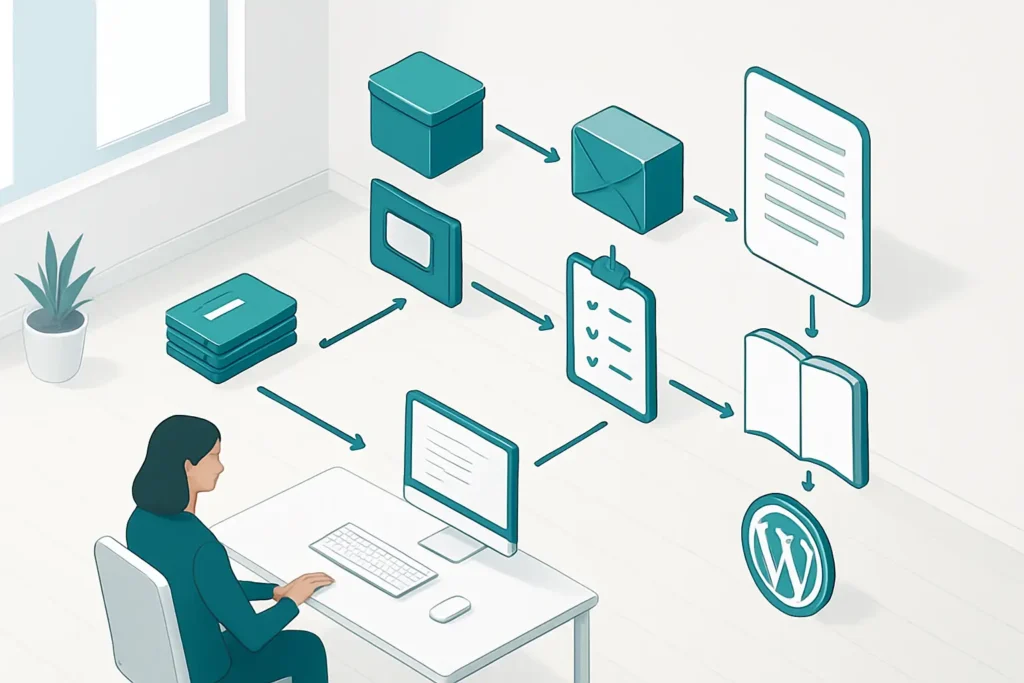
Support tickets, notes and calls are checked automatically for article candidates, so staff do not need to sift through records by hand. That makes it easier to spot useful knowledge before it gets lost.
Approval emails, responses and draft status are tracked in one process rather than spread across inboxes and side conversations. This reduces delays caused by unclear ownership or missed follow-ups.
Approved content is pushed into ConnectWise and WordPress in a structured way, which helps keep article creation and FAQ drafting consistent. It also reduces the chance of copying the wrong version or forgetting a step.
Candidates, approvals and published items are stored in n8n Data Tables, making the pipeline easier to review. Teams can see what has been analysed, what still needs approval and what has already been published.
Recurring social questions are turned into KB candidates instead of being handled one by one. That helps build a knowledge base around real customer questions rather than assumptions.
Scans ConnectWise tickets and calls, uses AI to identify article candidates, and stores them for later review.
Creates approved ConnectWise KB articles and WordPress FAQ drafts, then stores the resulting references.
Sends approval emails, manages responses, reviews draft quality, and prepares approved links and featured images.
Validates approval links and saves the approval decision from a form, app or other system.
Reads and filters stored KB candidates for use by other workflows.
Turns recurring social questions into stored KB candidates and marks them as promoted.
ConnectWise PSAMicrosoft OutlookOpenAIWordPressn8n Data Tables
This knowledge base automation set is strongest where support teams already have useful information buried in tickets, calls and recurring questions, but struggle to turn it into published content. It does not replace review or editorial judgement, and that is a good thing. Instead, it removes a lot of the repetitive sorting, tracking and handoff work that usually slows KB publishing down. For Australian SMBs that want a more organised support content process, it is a sensible and credible workflow set with clear operational value.
Want automations like these working in your business? We will look at where your team loses time today and map out practical, low-risk automation and AI opportunities. No obligation, and we are not looking to replace your current provider.
Book a Complimentary Discovery Session TodayTake the Business Systems Health Check
Knowledge base automation is the use of workflows to find, prepare, approve and publish support content with less manual handling. In this set, it pulls candidates from tickets, calls and social questions, stores them for review, and then helps move approved content into ConnectWise and WordPress.
No. The workflows help organise and prepare content, but approval and quality review still matter. The process includes approval emails, response handling and quality checks, which makes it better suited to teams that want automation around the process rather than full autopilot.
It uses ConnectWise PSA, Microsoft Outlook, OpenAI, WordPress and n8n Data Tables. Those systems support ticket mining, approval handling, content storage and publishing across internal and public knowledge base channels.
It suits support-led businesses, managed service providers and teams that already create articles or FAQs but want a more structured process. It is especially useful where knowledge comes from tickets, calls, approvals and recurring customer questions.