
This workflow set combines a simple product shop interface, a public product API and a Kaseya availability lookup. It is built to reduce manual searching and make product information easier to request and return in a consistent way.
For Australian businesses that need product visibility without a lot of back-and-forth, it offers a structured way to surface products, check availability and handle missing or invalid requests cleanly.

Online Shop & Product Procurement is a three-workflow set built around product lookup automation and availability checking through Kaseya. It starts from a web form, web app or another system, which makes it suitable for internal requests or customer-facing product search experiences. The set includes a simple product shop UI, a public product API and a Kaseya product availability lookup. Together, they help turn a manual search process into a more consistent flow that can return results, handle missing MPNs and manage no-result cases without relying on ad hoc follow-up. The main value is clarity: product requests are routed, checked and returned in a structured way.
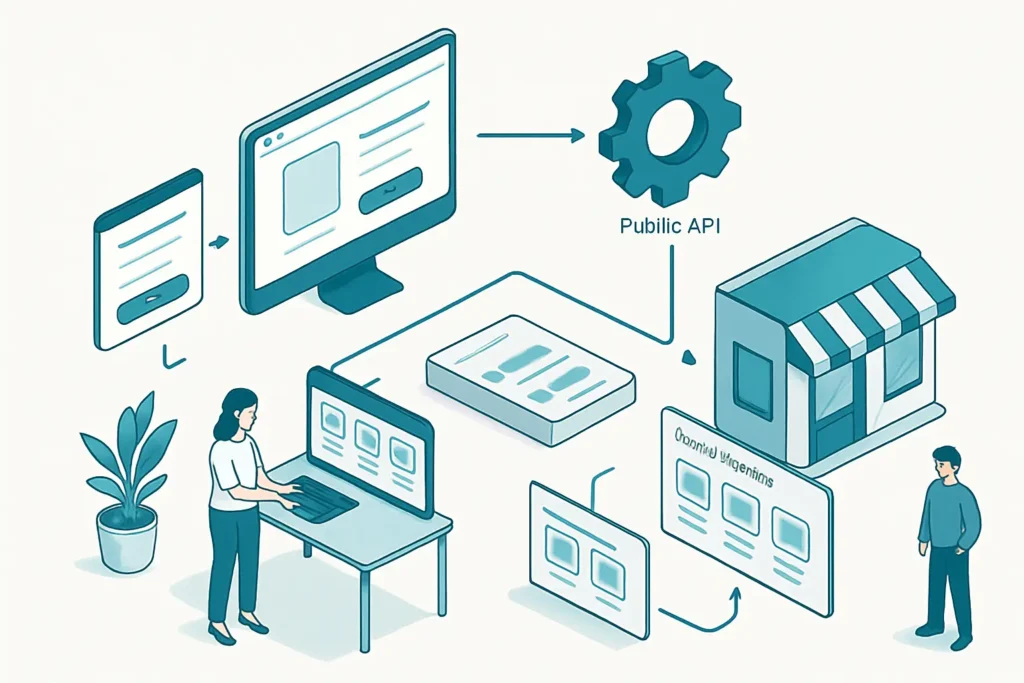
The workflow set removes the need to look up products in separate steps across different systems. Requests are routed into a repeatable process that can return results or explain why none were found.
Invalid requests and missing MPNs are handled explicitly, which reduces confusion and incomplete follow-up. That makes the process more reliable for both staff and users.
Availability is checked through the same flow each time, rather than relying on individual staff members to interpret product data. This helps keep responses consistent.
Search results are aggregated and returned in a structured format. That makes it easier to see what was found, what was unavailable and what needs another step.
The Product Shop UI gives the workflow a straightforward entry point. That can make product requests easier to start for teams or customers using a web interface.
Checks product availability in Kaseya from an MPN or product lookup request and returns matched results or clear no-product responses.
Provides a simple shop interface that returns HTML for users to start a product request.
Receives requests, searches Kaseya products, checks availability and returns search results, weekly specials or error responses.
Kaseya
Online Shop & Product Procurement is a practical workflow set for businesses that want product lookup automation without unnecessary complexity. Its strength is in the structure: requests start from a web form, web app or another system, then move through search, availability checking and clear result handling. The inclusion of a simple shop UI and a public API makes it flexible for different use cases. It is most useful where product requests are repetitive and consistency matters. The main limitation is that it still relies on good source data and a clear request format, especially around MPNs.
Want automations like these working in your business? We will look at where your team loses time today and map out practical, low-risk automation and AI opportunities. No obligation, and we are not looking to replace your current provider.
Book a Complimentary Discovery Session TodayTake the Business Systems Health Check
Product lookup automation takes a request, searches product data and returns results in a structured way. In this workflow set, it can also check availability, handle missing MPNs and return clear no-result responses instead of leaving staff to chase information manually.
Yes. The supplied facts say all three workflows can start from a web form, web app or another system. That makes it suitable for customer-facing requests, internal procurement forms or another workflow that needs to pass product details into the process.
No. None of the three workflows in this set are AI-powered. The value comes from structured automation, routing, search, availability checks and consistent handling of request outcomes.
The workflow still depends on the quality of the product data in Kaseya and on having the right request details, such as an MPN where required. It also needs careful planning if the public API will be used broadly across teams or systems.