
This workflow set is built around security remediation and client approvals, with a strong focus on moving tickets through clear, repeatable steps. It reduces manual chasing, keeps approval states visible and helps remediation work stay organised across Augmentt, ConnectWise PSA and Microsoft 365.
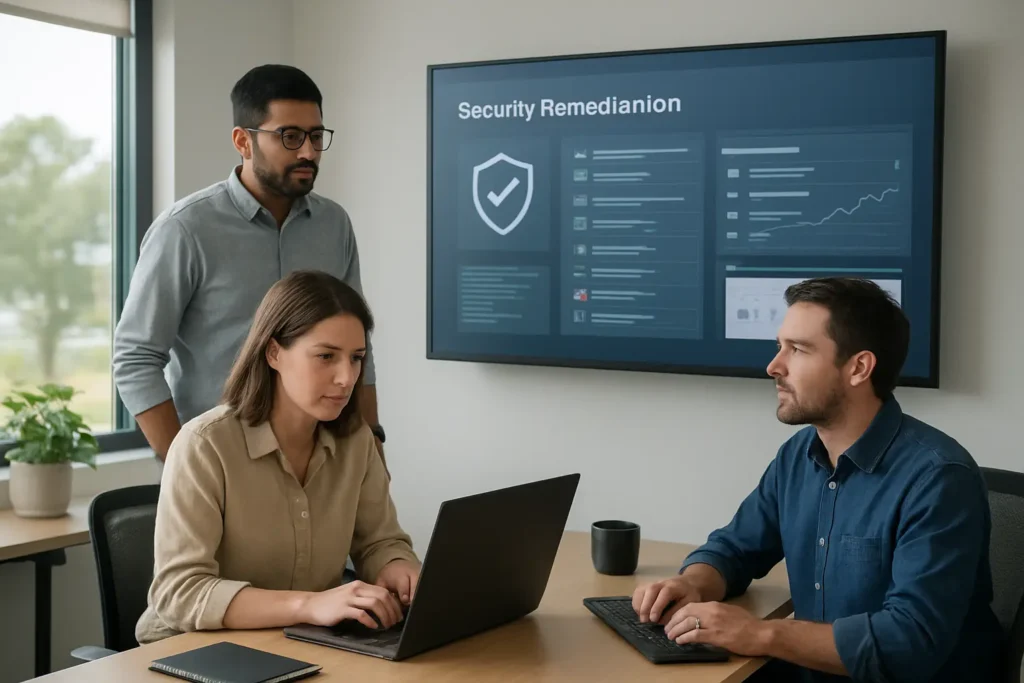
Security remediation and client approvals is a six-workflow set that supports the full path from ticket review to client response, reminders and closure. Most workflows start from a web form, web app or another system, while others run on a schedule or on demand. The set uses n8n Data Tables to keep approval records and status information consistent, ConnectWise PSA to manage ticket actions, Microsoft Outlook and Microsoft 365 for email and account-related steps, and OpenAI in the main remediation workflow to help draft remediation content. In practice, this means fewer disconnected manual checks, clearer approval handling and more reliable follow-up when a client has not responded or a ticket needs closing.

The workflows reduce the need to check approval states, send follow-up emails and update tickets by hand. That makes the process easier to keep moving when several remediation items are waiting on client action.
Approval records, ticket notes and status updates are written back into the connected systems. This makes it easier to see what has been approved, rejected, sent or still awaiting response.
Scheduled reminders are sent in a structured sequence rather than relying on someone remembering to chase each ticket. That helps keep client communication more even and predictable.
The remediation workflow checks for duplicate tickets and can close or suppress them when needed. This reduces repeated work and helps keep the queue cleaner.
The workflow stores remediation state, approval status and related notes in n8n Data Tables and ConnectWise PSA. That creates a more complete trail for internal review and later reference.
Builds a detailed approval page from an Augmentt approval record so staff can review remediation information in one place.
Validates client approval responses, updates the ticket, schedules work and records approved, rejected or invalid outcomes.
Checks waiting approvals on a schedule, sends staged reminder emails and closes tickets when no response arrives.
Validates an approval record, builds the client email and sends it through Microsoft Outlook.
Records approval or rejection on the ticket and can show a contact picker when the company contact needs to be selected.
Finds open tickets, removes duplicates, gathers reports, drafts remediation details and sends approval requests.
AugmenttConnectWise PSAMicrosoft 365Microsoft OutlookOpenAIn8n Data Tables
This is a practical workflow set for teams that want security remediation and client approvals handled in a more structured way. Its strength is not flashy automation, but the way it keeps tickets, reminders, approvals and closure steps aligned across the systems already in use. The main limitation is that it still depends on clean records and sensible process design, especially where customer matching or approval routing can be ambiguous. For businesses already using Augmentt and ConnectWise PSA, it is a solid example of automation that removes repetitive admin without hiding the underlying work.
Want automations like these working in your business? We will look at where your team loses time today and map out practical, low-risk automation and AI opportunities. No obligation, and we are not looking to replace your current provider.
Book a Complimentary Discovery Session TodayTake the Business Systems Health Check
It helps move security-related tickets through review, approval, reminder and closure steps with less manual handling. In this set, the workflows check records, prepare remediation details, send client emails, update ConnectWise PSA and manage no-response or duplicate cases.
Yes. Several workflows are built specifically for client approval handling. They validate incoming responses, record approval or rejection on the ticket, update status in the data tables and can route the process through the right contact or follow-up step.
No. Only one workflow in the set uses OpenAI, and that is the main remediation and approval workflow. The rest focus on structured automation such as validation, ticket updates, reminders, email sending and record keeping.
The workflow set connects Augmentt, ConnectWise PSA, Microsoft 365, Microsoft Outlook, OpenAI and n8n Data Tables. Those systems support ticket handling, email communication, approval tracking and the remediation drafting step.