
Social media engagement can quickly become messy when comments, approvals and publishing live in different places. This workflow set brings those steps into a more structured process using n8n Data Tables, Zernio social publishing, Microsoft 365 and OpenAI where needed.

This social media engagement workflow set is built around six connected workflows that handle comment intelligence, approval, publishing status and scheduled posting. One workflow uses OpenAI to classify and draft comment replies, while the others focus on moving data between n8n Data Tables and Zernio social publishing, with Microsoft 365 used for approval emails. The main benefit is not flashy automation, but clearer control over what gets replied to, what needs approval and what is ready to publish. It reduces repeated checking, manual copying and inconsistent handling of comments and post queues. It is best suited to teams that want a more orderly social process rather than a fully hands-off one.
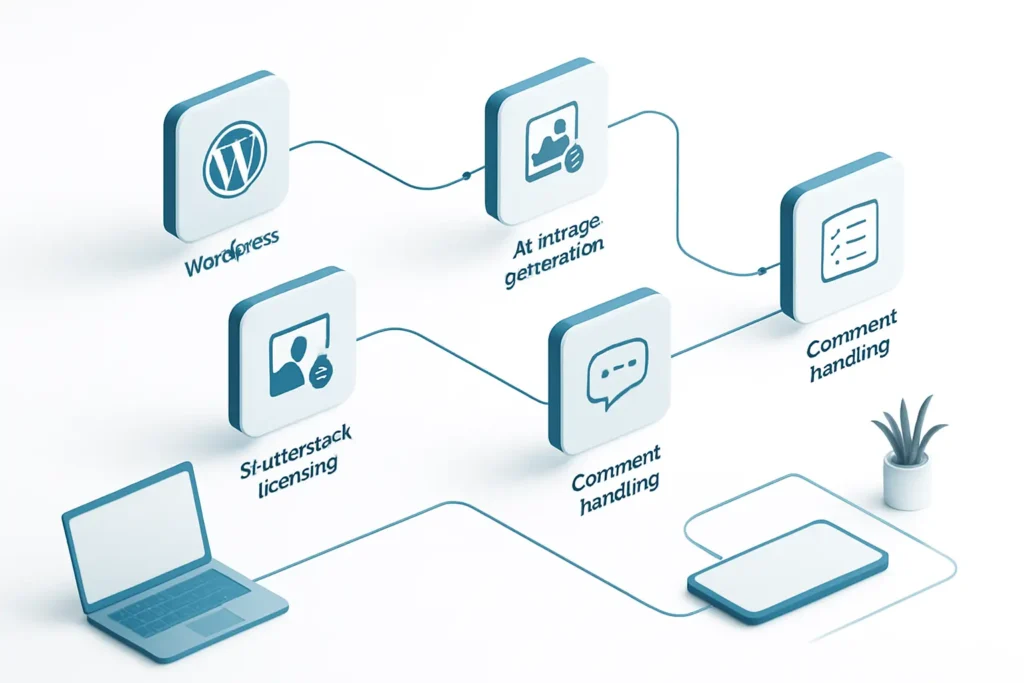
Comments are captured, normalised and sorted into a clearer process instead of being checked and copied around by hand. That reduces the chance of missing a reply or handling the same comment twice.
Replies can be routed for approval when needed, with the decision stored and an email sent through Microsoft 365. This makes it easier to keep oversight without relying on ad hoc follow-up.
The AI workflow can classify comments and draft replies in a repeatable way. That helps keep responses more consistent than a purely manual process, especially when several people are involved.
Post queue and publishing status data are read through reusable workflows, which makes the process easier to track. Teams can see what is ready, what is skipped and what has been scheduled.
Three of the workflows are reusable building blocks called by other workflows. That makes the set easier to maintain because common logic is centralised instead of duplicated in several places.
Checks whether a comment reply is approved, posts it if allowed, and records the result or skip status.
Reads incoming comments, classifies them, drafts replies with AI, and sends approval emails when needed.
Reads stored comment intelligence and filters social comments for use by other workflows.
Reads social post queue data and filters it so publishing status can be reused elsewhere.
Builds posts, handles skipped items, waits before the first comment if needed, and records comment results.
Finds posts ready to publish, sends them to Zernio, and marks them as scheduled.
Microsoft 365OpenAIZernio social publishingn8n Data Tables
Social Media Engagement is a practical workflow set for businesses that want more order around comment replies and publishing. Its strength is in reducing manual checking, keeping approvals visible and making social data easier to follow across connected systems. The AI piece is limited to one workflow, which is sensible because not every social interaction should be automated. For teams already using Microsoft 365, Zernio social publishing and n8n Data Tables, it offers a structured way to manage engagement without overcomplicating the process.
Want automations like these working in your business? We will look at where your team loses time today and map out practical, low-risk automation and AI opportunities. No obligation, and we are not looking to replace your current provider.
Book a Complimentary Discovery Session TodayTake the Business Systems Health Check
In this workflow set, social media engagement automation helps organise comment handling, approvals and publishing. It moves data through n8n Data Tables, Zernio social publishing and Microsoft 365 so teams can track what needs action, what is approved and what has been scheduled.
Yes, one workflow uses OpenAI to classify a comment and draft a reply. It does not have to post every reply automatically, because the workflow can also send the reply for approval first. That makes it more suitable for businesses that want control as well as speed.
Often, yes. The workflow set includes approval handling because some replies need human review before posting. That is useful for businesses that want to avoid risky or inconsistent responses while still reducing the amount of manual work.
It uses Microsoft 365, OpenAI, Zernio social publishing and n8n Data Tables. The workflows are built to pass information between those systems so comment handling, approvals and publishing can be managed in a more structured way.