
Is Your Google Workspace Actually Secure?

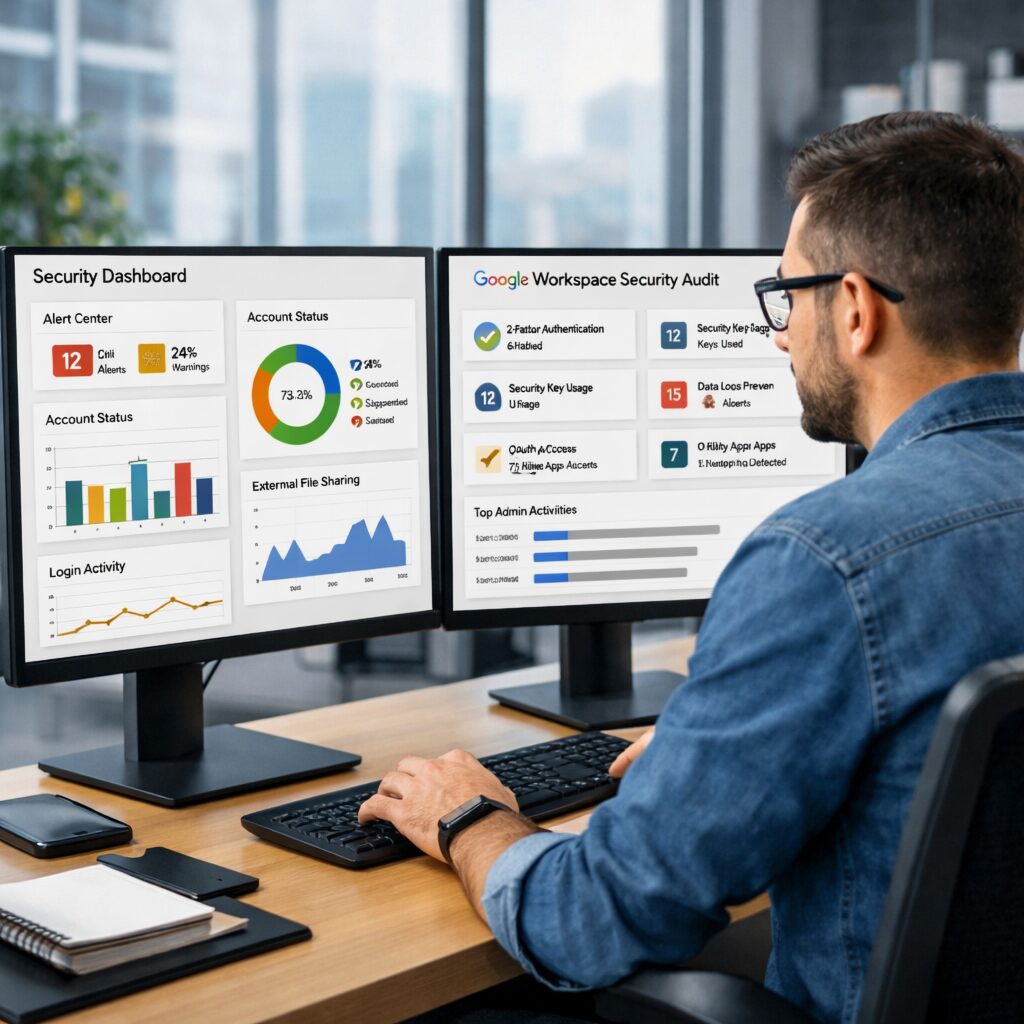
Most Gold Coast businesses using Google Workspace have never checked their security settings. Gaps like open accounts, shared files and missing MFA are more common than you’d think.

Netlogyx runs a non-invasive audit and gives you a plain-English report on what we find — and how to fix it.

Book a Free Consulting Meeting

Common Issues We Find

Google Workspace security risks
  • Files shared publicly with anyone who has the link
  • Former staff accounts still active and accessible
  • Multi-factor authentication not enforced for all users
  • Third-party apps connected to your workspace that no one remembers approving
  • Weak email authentication settings (SPF, DKIM, DMARC) leaving you vulnerable to spoofing
  • Admin accounts without proper security controls
  • No monitoring or alerts set up to detect suspicious activity

None of these are unusual — and most businesses don’t know they’re there until something goes wrong.
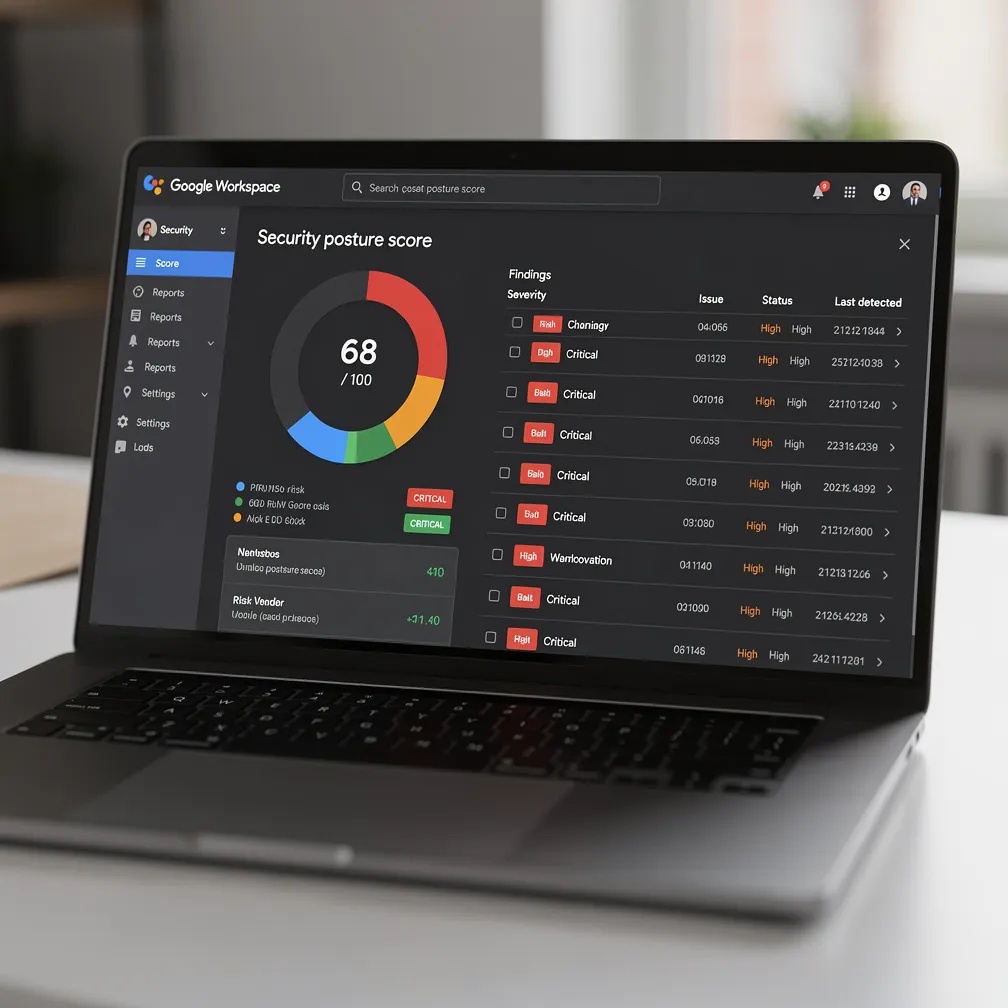
What We Cover

IT security audit
  • User authentication & MFA — Is multi-factor authentication enforced for everyone, including admins?
  • Admin account configuration — How many super admins do you have? Are their accounts secured correctly?
  • Google Drive sharing settings — Who can share files externally? Are there existing overshared files or folders?
  • Third-party app access — Which apps have access to your Workspace data, and do they still need it?
  • Email security (Gmail) — SPF, DKIM, DMARC, phishing and malware protection settings
  • Inactive & offboarded user accounts — Are former staff accounts fully closed, or just suspended?
  • Session & login controls — Session timeouts, login alerts, and suspicious activity detection
  • Mobile device management — Can you remotely wipe work data from a lost or stolen device?
  • Audit logs & alert configuration — Is anyone actually monitoring for issues?
  • Data retention & recovery options — Can you recover data if something goes wrong?

How It Works

The process is straightforward and non-disruptive. Here’s what to expect:

  1. Book a free meeting — We have a quick call to understand your setup.
  2. We run the audit — Read-only access to your admin console. We never see your emails or files.
  3. We walk you through it — A plain-English report with clear next steps.

Why Gold Coast Businesses Trust Netlogyx

  • Cybersecurity-first approach — Security is at the core of how we work, not a checkbox item
  • We know SMB IT — We work with small and medium businesses across the Gold Coast every day
  • Plain-speaking advice — No jargon, no scare tactics. Just a straight assessment of where things stand
  • Local and available — We’re based on the Gold Coast. You’re not dealing with an overseas call centre
  • End-to-end support — If the audit finds gaps you want fixed, we can handle the remediation too

Book Your Free Google Workspace Consultation

No obligation. No pressure. Just an honest look at your setup.

Book a Free Consulting Meeting

Frequently Asked Questions

Will you be able to read our emails or files?

No. We use read-only access to your admin console — configuration settings only. We have no access to your email content or documents.

How long does it take?

The audit typically takes a few business days once we have access. We then walk you through the findings in a short review session.

Do I need a technical background to understand the findings?

Not at all. Our reports are written for business owners and managers, not IT professionals. Everything is explained in plain English with clear recommendations.

We already use two-factor authentication — do we still need an audit?

MFA is important, but it’s one piece of a much larger picture. An audit looks at the full environment, not just one setting.

What if the audit finds problems we can’t fix ourselves?

Netlogyx can handle the remediation as part of our managed IT support — no need to coordinate with a separate provider.

Learn more about how Netlogyx supports Gold Coast businesses:
Cover of IT Audit Checklist for SMBs: What Your Company Needs

Free Netlogyx resource

Get the IT Audit Checklist for SMBs: What Your Company Needs

Check the essential security controls for your organisation.

Get my free guide →

Enter your name and email to access this resource. Marketing consent is optional.

Browse all free IT guides