
The average person manages over 100 online accounts. The average business employee manages even more – and under the pressure of daily work, they do what humans naturally do: reuse passwords, choose memorable ones, and skip complexity requirements whenever they can. This is not laziness. It is a predictable human response to an unmanageable problem. The answer is not stricter password policies – it is removing the cognitive burden entirely with a proper password manager for business. This single change, properly implemented, eliminates one of the most common attack vectors targeting Australian SMBs right now.

Why Password Hygiene Is Still the Number One Problem
Despite years of security awareness messaging, password-related vulnerabilities remain at the top of every breach investigation.
The data is sobering:
- 80% of hacking-related breaches involve compromised or weak credentials (Verizon DBIR)
- Over 24 billion username and password combinations are currently circulating on the dark web
- Password reuse means a single breach at one site can cascade into your business systems
- Credential stuffing attacks automate login attempts across hundreds of services simultaneously using stolen credentials
The problem is not that your staff do not care about security. The problem is that memorising dozens of unique, complex passwords is humanly impossible without a tool designed to do it for them.
See how dark web monitoring helps identify compromised business credentials
What a Business Password Manager Does
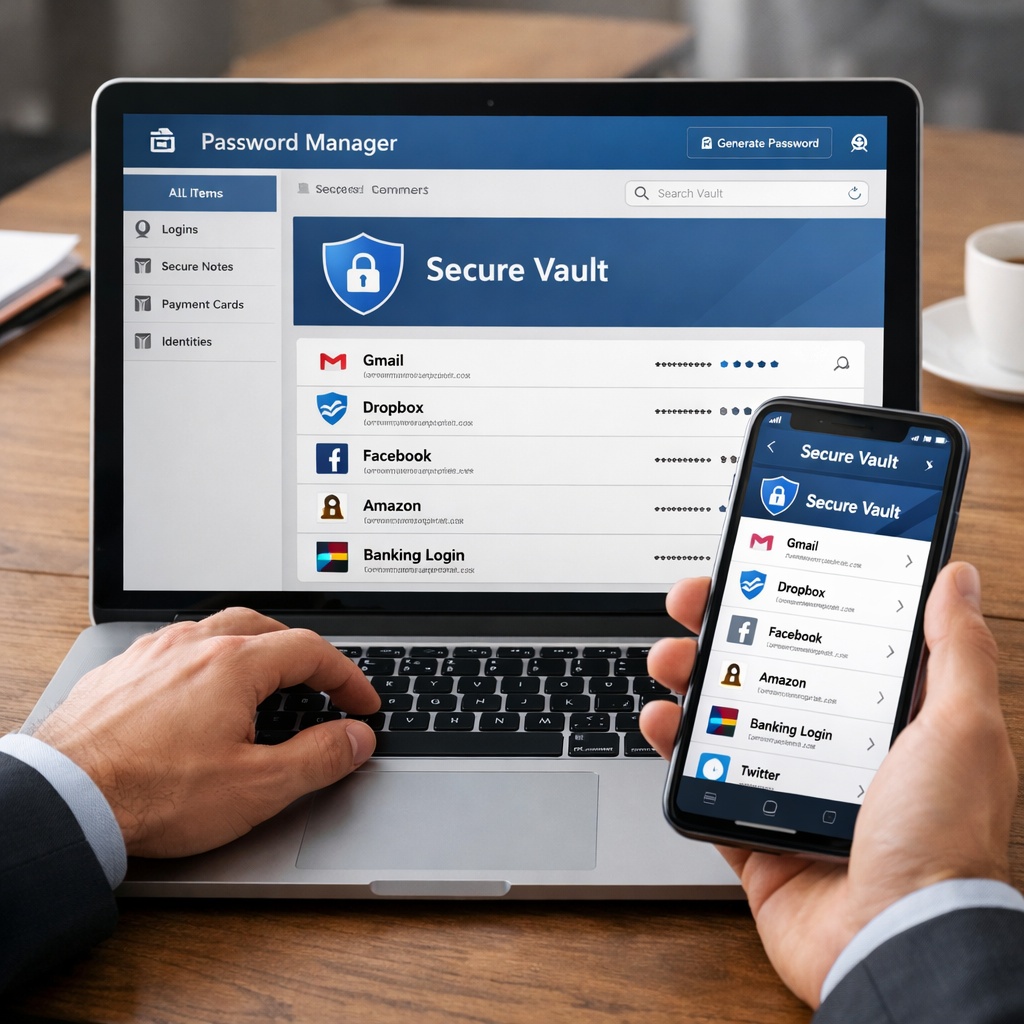
A password manager is a secure, encrypted vault that stores login credentials for all your business accounts. Staff access the vault with a single master password (protected by MFA), and the tool automatically generates and fills unique, complex passwords for every site and service.
Key business features to look for:
- Centralised admin control: IT can provision accounts, set policies, and revoke access when staff leave
- Shared credential vaults: Securely share credentials between team members without emailing passwords
- Password health reporting: Identify weak, reused, and compromised passwords across the organisation
- Dark web monitoring: Get alerted when business credentials appear in breach datasets
- MFA integration: Supports TOTP and hardware key authentication for vault access
- Role-based access: Control which staff can see which credentials based on their role
- Audit logs: Track who accessed what and when – critical for compliance and incident investigation
Leading business password managers include 1Password Business, Bitwarden Teams, and Keeper Business. All provide enterprise-grade security at SMB-accessible pricing.
Password Policies That Actually Work
Effective password security is not just about the tool – it is about the policies that surround it.
Modern best practice (aligned with NIST SP 800-63 and the ACSC) recommends:
- Length over complexity: A 16+ character passphrase is far stronger than a complex 8-character password
- Uniqueness is mandatory: Every account must have a different password – no exceptions
- MFA on everything critical: Especially email, cloud apps, financial systems, and admin accounts
- Immediate rotation after suspected compromise: Do not wait – change it now
- No password sharing via email, chat, or sticky notes: The password manager is the only approved sharing mechanism
What NIST no longer recommends is forced regular password changes on a schedule. Research shows this leads to predictable patterns (Password1!, Password2!) that weaken security overall. Change passwords when there is reason to — not just because the calendar says so.
Explore our Security Awareness Training to reinforce strong credential habits across your team
Offboarding: The Credential Risk Nobody Talks About
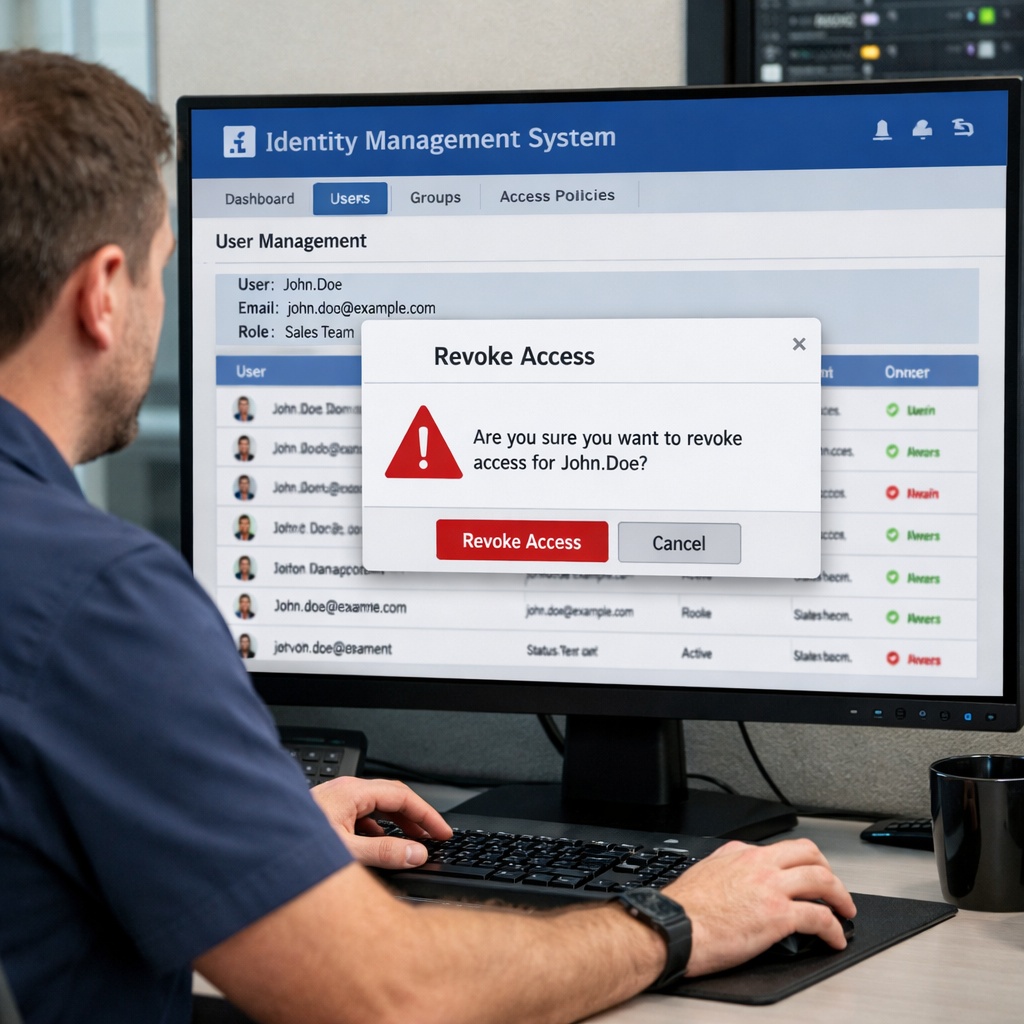
One of the most underestimated credential security risks is the offboarding gap. When a staff member leaves, their access to business systems must be revoked immediately and completely – including:
- Active Directory, Microsoft 365, and Google Workspace accounts
- All SaaS application logins
- Shared team credentials they had access to
- VPN and remote access credentials
- Any personal accounts used for business purposes
With a properly configured password manager, revoking access is instant and complete. Without one, it is a manual checklist that is rarely executed perfectly – leaving former employees with ongoing access to business systems long after they have left.
Learn how our Managed IT Support handles secure onboarding and offboarding procedures
Is Your Business Running on Weak or Reused Passwords Right Now?
The answer is almost certainly yes – unless you already have a business password manager deployed and enforced. Netlogyx can implement and manage a solution for your team in a single day.
- Assess your current credential hygiene and dark web exposure
- Deploy and configure a business password manager for your entire team
- Integrate with your existing MFA and identity management systems
Frequently Asked Questions
Q: Is it safe to store all our passwords in one place?
A: Business password managers use end-to-end encryption, meaning the provider cannot read your passwords and even a breach of their servers would not expose your vault. The risk of using one strong, MFA-protected vault is dramatically lower than the current risk of dozens of weak, reused passwords scattered across your team.
Q: What if a staff member forgets their master password?
A: Business password managers include secure account recovery processes managed by admins. This is why admin provisioning and MFA setup on the vault itself are critical parts of any deployment.
Q: Can we use a free password manager for business?
A: Personal free tiers lack the centralised management, admin controls, and audit logging that businesses need. Business plans are typically priced per user per month and represent outstanding value for the security and visibility they provide.
One Tool. One Change. A Dramatically Safer Business.
Deploying a password manager across your business is one of the highest-impact, lowest-friction security improvements available to an Australian SMB. It costs less than a dozen cups of coffee per month, takes a day to roll out, and immediately eliminates one of the most commonly exploited vulnerabilities in the threat landscape.
Netlogyx implements and manages password security infrastructure for clients across the Gold Coast. Let us get yours sorted today.
(We are not looking to replace your current provider, just offering an alternative perspective)
Written by Neil Frick
Sources & References
- Verizon Data Breach Investigations Report 2024 – https://www.verizon.com/business/resources/reports/dbir/
- NIST SP 800-63B Digital Identity Guidelines – https://pages.nist.gov/800-63-3/sp800-63b.html
- ACSC Cyber Security for Small Business – https://www.cyber.gov.au/resources-business-and-government/essential-cyber-security/small-business-cyber-security