
Most Australian businesses using Google Workspace assume it is secure by default. It is not. The reality is that misconfigured sharing permissions, unreviewed third-party app access, and weak admin settings silently expose your data every single day. A Google Workspace audit is the fastest way to find out what you do not know – and fix it before attackers do. Netlogyx now offers professional Google Workspace audits powered by Workspace Audit, a purpose-built, read-only scanner that runs 100+ automated checks across your entire Google environment and delivers a clear, prioritised action plan in minutes.

What Is a Google Workspace Audit and Why Does It Matter?
A Google Workspace audit is a systematic review of your organisation’s Google environment – covering Gmail, Drive, Calendar, Meet, Chat, and the Admin Console – to identify security misconfigurations, risky user behaviour, and compliance gaps.
Think of it as a health check for your cloud productivity suite. Without it, you are guessing.
Here is what unchecked Workspace environments commonly reveal:
- Publicly shared Drive files that anyone on the internet can access
- Super-admin accounts with no multi-factor authentication enabled
- Inactive user accounts still holding active licences and data access
- Unrestricted third-party app access via OAuth integrations
- Weak password policies that do not meet current security baselines
The consequences are real. The Australian Cyber Security Centre (ACSC) consistently flags cloud misconfiguration as one of the top causes of data breaches affecting Australian businesses.
Learn about our Vulnerability Management service
How Netlogyx Runs Your Google Workspace Audit
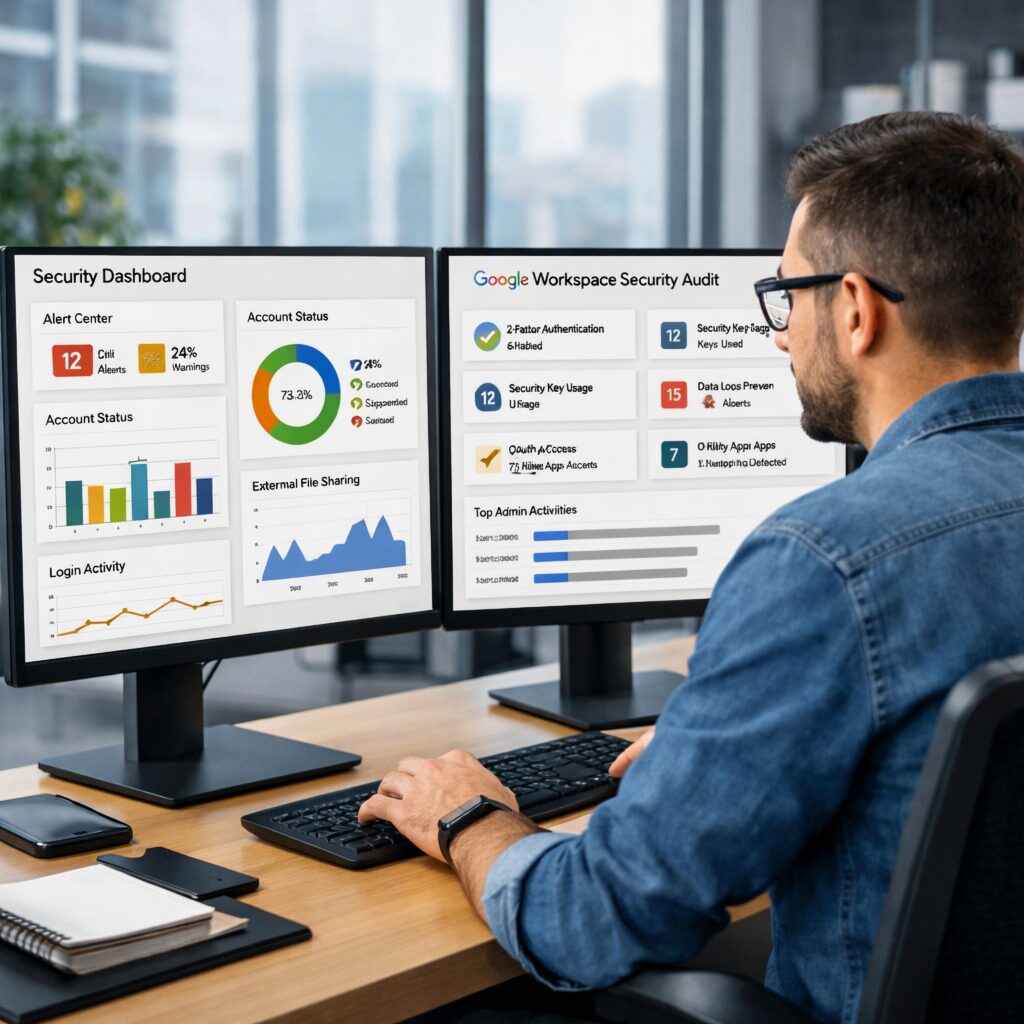
Netlogyx uses the Workspace Audit platform to deliver a fast, thorough, and completely non-invasive audit of your Google environment.
The process is straightforward:
- Connect – We authenticate using read-only OAuth 2.0. No agents, no installs, no access to the content of your emails or files.
- Scan – Over 100 automated security checks run across every Google service, typically completing in just a few minutes.
- Fix – Every finding is severity-rated (Critical, High, Medium, Low) and mapped to industry frameworks including CIS Google Workspace Benchmark, CISA SCuBA Baselines, and Cyber Essentials Plus.
Each finding includes a direct one-click link straight to the relevant setting inside the Admin Console, so remediation is fast and practical – not just a report that sits in a drawer.
What the audit covers:
- Gmail security settings and anti-phishing controls
- Google Drive sharing and external access permissions
- Calendar and Meet visibility settings
- Admin role assignments and privileged account hygiene
- Third-party app access and OAuth scope review
- DNS configuration (SPF, DKIM, DMARC)
- At-risk users, shadow IT detection, and over-shared Drives via the Risk Center
See how our Managed IT Support keeps your cloud environment protected
The Hidden Risks Lurking in Your Google Workspace
Most business owners are surprised by what a Google Workspace audit uncovers. The platform’s Risk Centre goes beyond configuration checks – it finds real-world risky usage patterns.
Common findings our team sees regularly include:
- Over-shared Drives: Team Drives with “Anyone with the link” access set on sensitive folders
- Shadow IT: Unauthorised third-party apps connected to your Workspace via staff accounts
- Privileged account exposure: Super-admin accounts that have never been reviewed or rotated
- Weak DNS posture: Missing or misconfigured DMARC records leaving your email domain open to spoofing
- Dormant accounts: Former employees whose accounts remain active and unmonitored
Each of these represents a live attack surface. Fixing them costs nothing if you know where they are. Not knowing is the real risk.
Continuous Posture Monitoring – Not Just a One-Time Scan
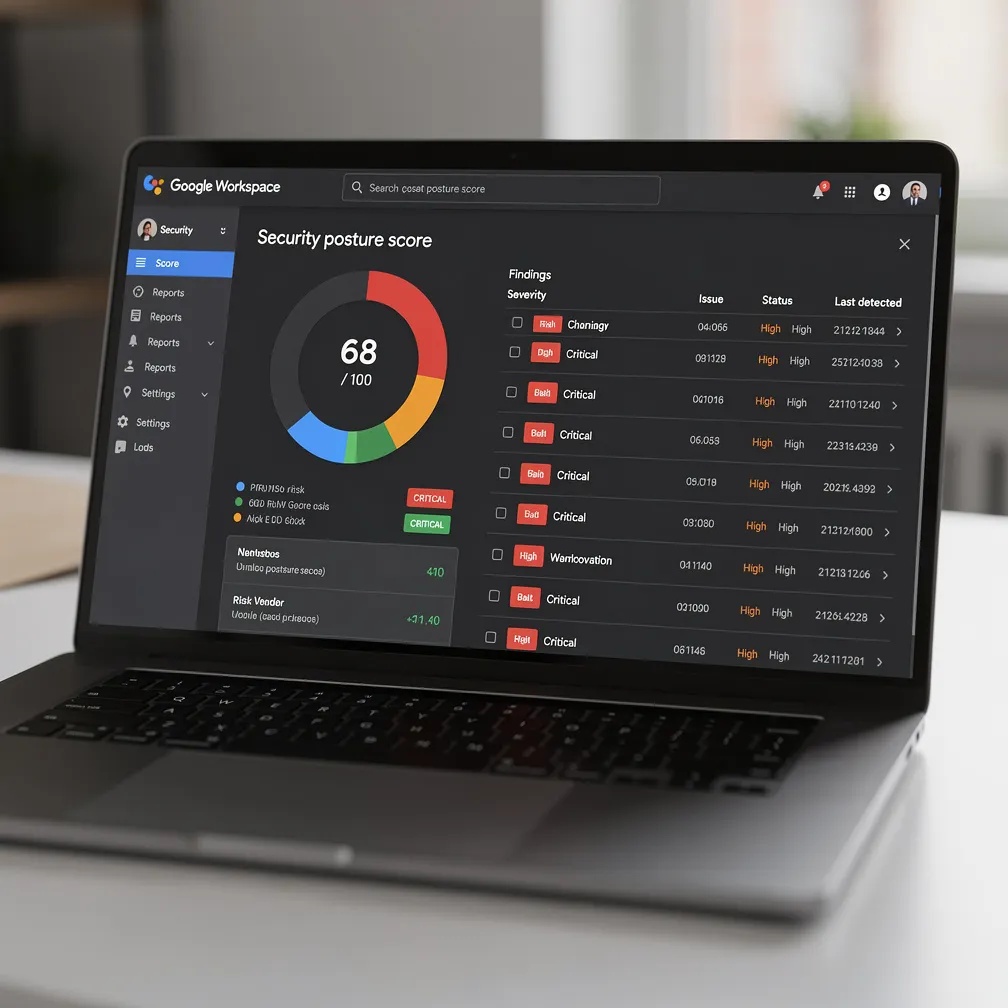
One of the most powerful features of the Workspace Audit platform is the ability to schedule recurring scans – daily, weekly, or monthly – with automatic email alerts when your security posture drifts.
This is critical for growing businesses. Every time you:
- Add a new staff member
- Connect a new integration
- Change admin permissions
- Migrate data to a new folder structure
…your Workspace posture can shift. Continuous monitoring means Netlogyx can catch drift before it becomes a breach.
You also get a full historical timeline and exportable PDF and CSV audit-ready reports – perfect for compliance documentation, cyber insurance applications, or board reporting.
Explore our Monitoring and Maintenance service for proactive IT management
Is Your Google Workspace Actually Secure? Let’s Find Out Together.
Most misconfigurations have been sitting undetected for months – sometimes years. Our Google Workspace audit takes minutes to set up and delivers a complete, prioritised picture of your security posture.
- Get a full audit of your Google Workspace environment
- Receive a severity-rated, actionable findings report
- Start remediating the same day
Frequently Asked Questions
Q: Will the Google Workspace audit read our emails or files?
A: No. The Workspace Audit platform uses strict read-only OAuth 2.0 access. It only reads the security metadata needed to audit your configuration – never the content of emails, Drive files, calendar events, or chat messages.
Q: How long does a Google Workspace audit take?
A: The automated scan typically completes in a few minutes. Netlogyx then reviews the findings with you and prioritises remediation steps, usually within a single consulting session.
Q: Is this audit useful if we already have an IT team?
A: Absolutely. Many IT teams lack the time to manually review every Admin Console setting across every Google service. The automated audit gives your team a clear, framework-mapped baseline to work from – and ongoing monitoring keeps posture on track.
Stop Guessing. Start Knowing.
Your Google Workspace is one of the most targeted attack surfaces in your business – and most organisations have never looked under the hood. A proper Google Workspace audit is no longer a nice-to-have. It is a fundamental part of responsible cloud security in 2026.
Netlogyx makes it easy. We handle the audit, walk you through the findings, and help you fix what matters most – without disrupting your day.
(We are not looking to replace your current provider, just offering an alternative perspective)
Written by Neil Frick
Sources & References
- Workspace Audit Platform – https://workspaceaudit.com
- ACSC Cloud Security Guidance – https://www.cyber.gov.au/resources-business-and-government/maintaining-devices-and-systems/cloud-security
- CIS Google Workspace Benchmark – https://www.cisecurity.org/benchmark/google_workspace