Introduction: Why Securing Your Remote Workforce is Essential
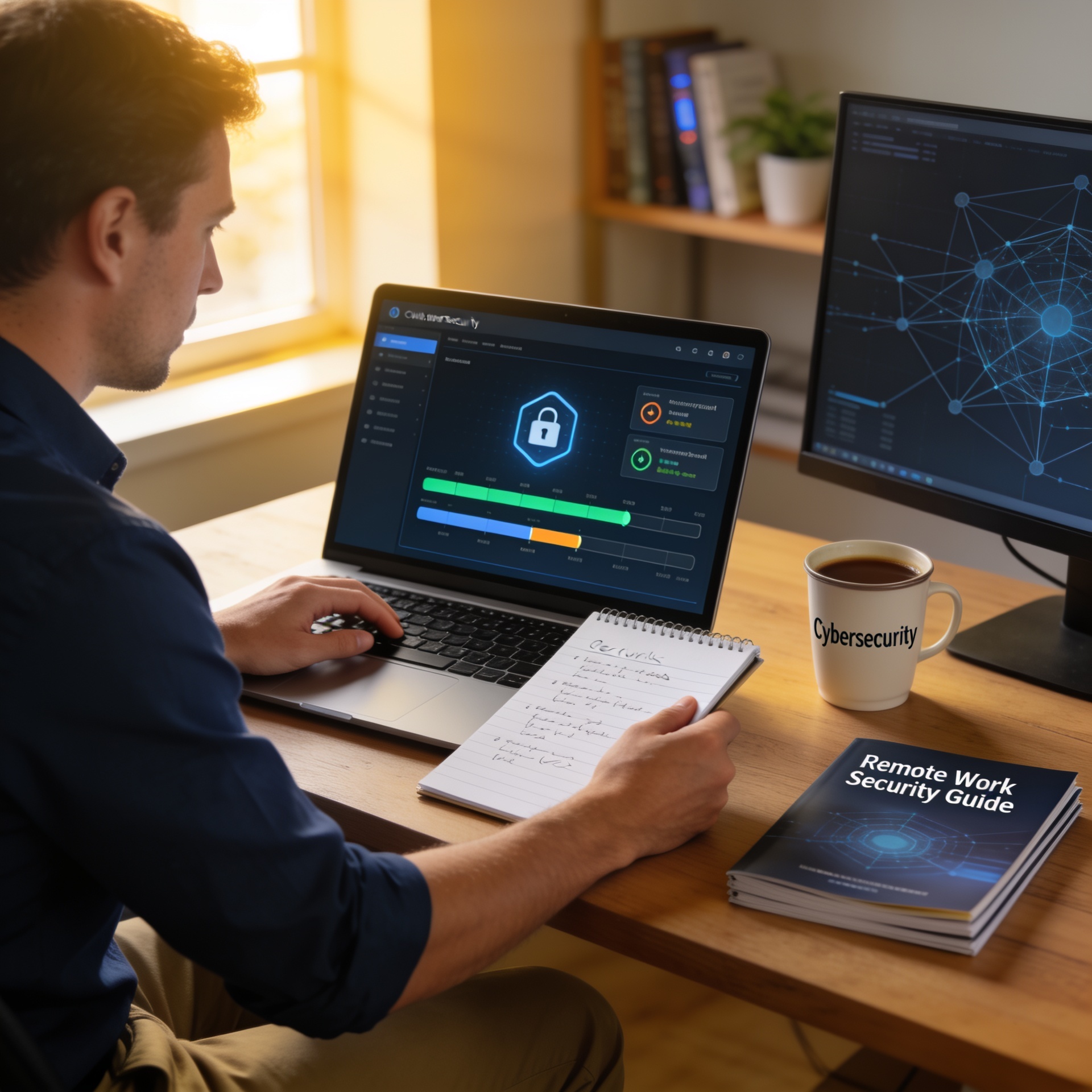
As a Gold Coast SMB, understanding how to secure your remote workforce is not merely a good idea—it’s a necessity. Remote work presents unique challenges, particularly in maintaining data security and operational continuity. At Netlogyxit, we empathize deeply with these challenges and offer expert guidance and robust IT solutions tailored for your needs.

Understanding the Threat Landscape
Remote work expands the threat surface of your business significantly. Phishing, ransomware, and unauthorized access are just a few of the threats that can impact your organization. According to the Protect Your Small Business From Cyber Attacks guide, it’s crucial to recognize these risks to adequately safeguard your digital assets.
Tips to Secure Your Remote Workforce
1. Implement Multi-Factor Authentication (MFA)
MFA adds an additional layer of security, making it harder for cybercriminals to access company resources, even if passwords are compromised. Learn more about its significance in our detailed guide on Multi-Factor Authentication.
2. Secure Your Network and Devices
Ensuring that your remote employees’ devices have the latest security software and firewalls can protect against unauthorized access. Regular network security audits are recommended—find out why they matter in our guide on How a Network Security Audit Helps Your Business.
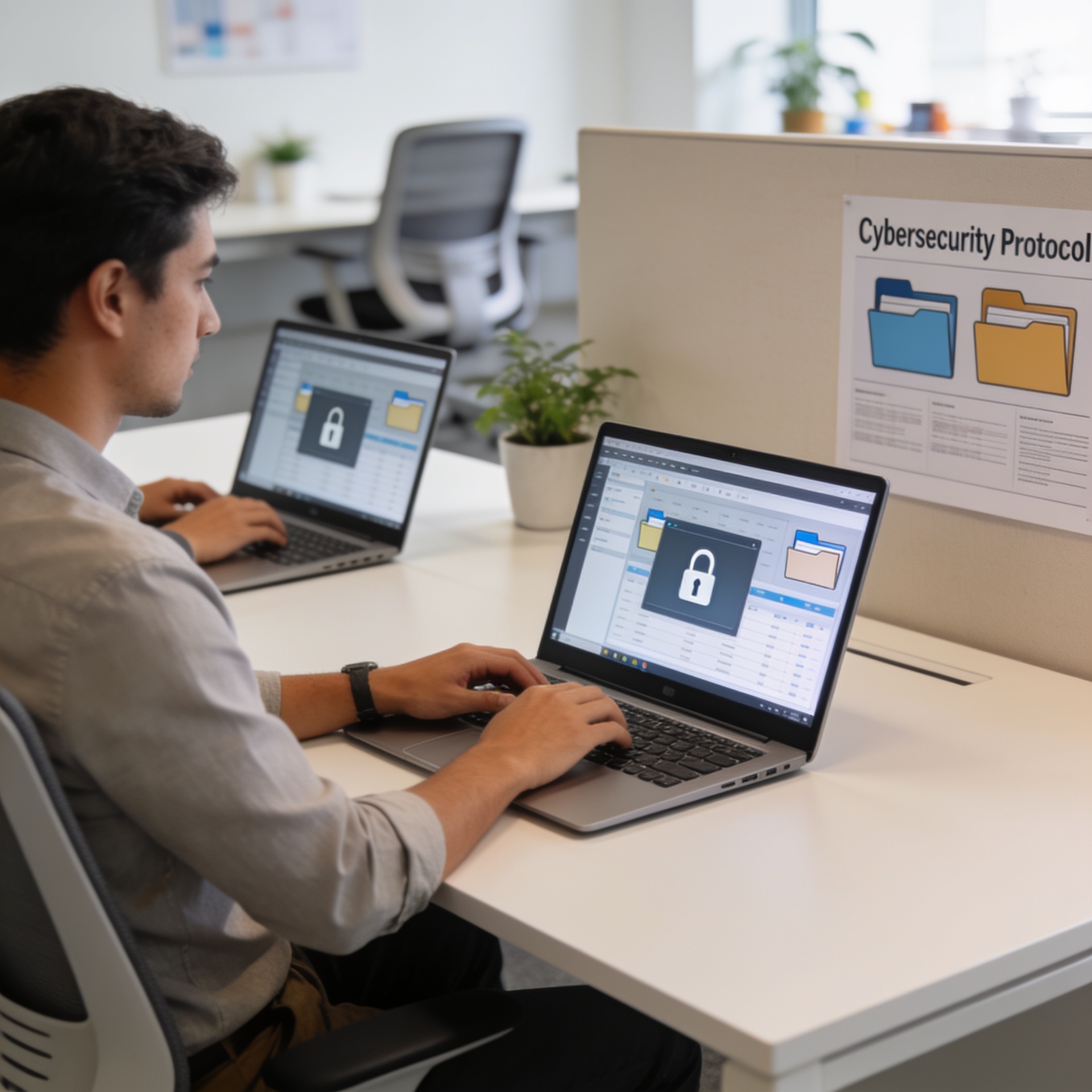
3. Conduct Regular Cybersecurity Training
Training your workforce to recognize threats such as phishing scams is essential. Our post on Training Employees Against Phishing Scams offers practical steps for keeping your team informed and prepared.
4. Utilize Secure Communication Tools
In a remote setting, secure communication tools can assure employees that sensitive discussions remain confidential. Consider using tools that offer end-to-end encryption and secure file sharing capabilities.
Enhancing Data Protection Policies
Strong data protection measures are vital for remote workforces. Implement robust data backup strategies, regularly audit access logs, and enforce strict privacy policies. Our guide on Data Backup and Disaster Recovery provides more insights on maintaining continuity.
Leveraging Managed IT Services
Partnering with a Managed IT Services provider can streamline security management, allowing you to focus on core business operations while professionals manage your digital defenses. Discover how we can support your SMB at Managed IT Services: What to Look For in a Provider.
Securing your remote workforce in the Gold Coast with these strategies will not only protect your business but also boost your employees’ confidence in working remotely. At Netlogyxit, we are committed to empowering your business to face the future securely.
Frequently Asked Questions
Why is remote work security crucial for Gold Coast SMBs?
Remote work expands the potential vulnerabilities within a business, making security measures essential to protect digital assets and ensure continuity.
What are the key tools for securing a remote workforce?
Implementing multi-factor authentication, secure communication tools, and robust cybersecurity training are vital for securing remote teams.
How can regular cybersecurity training help?
Training helps employees recognize threats, such as phishing scams, reducing the risk of security breaches.
What role can Managed IT Services play in securing remote workforces?
Managed IT Services can effectively handle cybersecurity measures, updates, and monitoring, ensuring continuous protection.
How important is data backup in remote work operations?
Data backup is critical to prevent data loss and ensure quick recovery in case of any disruptions, maintaining business continuity.
Sources & References
- Australian Cyber Security Centre
- Australian Competition and Consumer Commission
- Microsoft Security
- National Institute of Standards and Technology (NIST)
- Australian Government Business