Why Multi-Factor Authentication Matters for Small Businesses
In today’s digital landscape, protecting sensitive information is paramount for small businesses. Multi-Factor Authentication (MFA) provides an essential layer of security that safeguards against cyber threats. Implementing MFA ensures that access to systems requires more than just a password, offering an additional safeguard that is critical for data protection.

The Increasing Threat of Cyber Attacks
Cyber attacks are becoming more frequent and sophisticated, especially targeting small businesses that might not have robust security measures in place. According to recent studies, over 60% of small businesses have experienced a cyber attack. Implementing MFA is a proactive step to mitigate such risks.
- Prevent Unauthorized Access: MFA requires a secondary form of identification, such as a mobile verification code or biometrics, making it difficult for attackers to gain access.
- Compliance Benefits: Many industries now require stringent security protocols, including MFA, to meet compliance standards.
How Multi-Factor Authentication Works
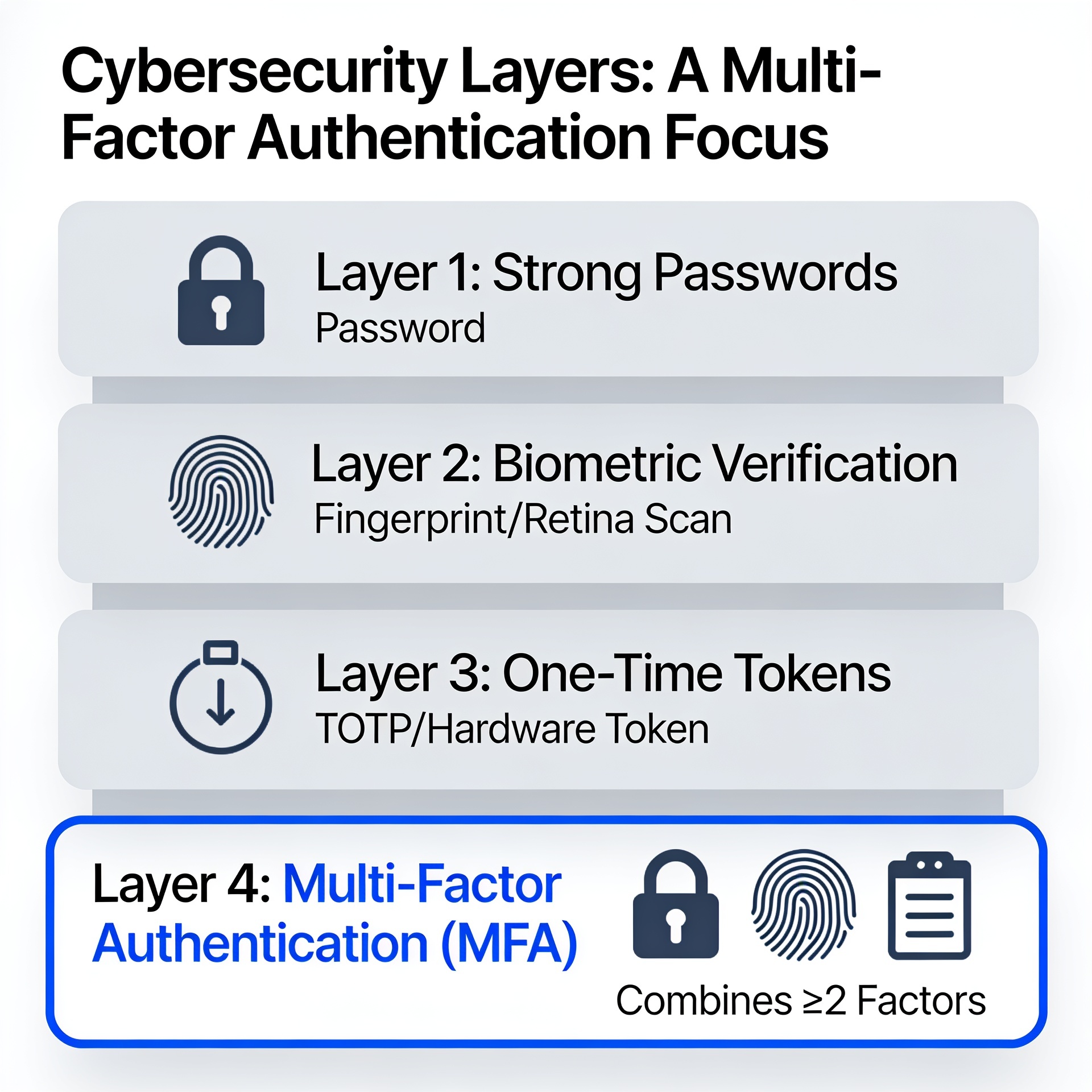
MFA involves multiple verification steps to confirm a user’s identity. Typically, this involves something the user knows (a password), something they have (a smartphone or hardware token), and something they are (biometric verification).
This layered approach significantly reduces the risk of unauthorized access. By requiring an additional form of verification, even if a password is compromised, the account remains secure, protecting vital company data.
Learn more about protecting your business from cyber attacks.
Steps to Implement MFA in Your Business
- Assess Your Systems: Identify the systems and applications that need extra protection and can integrate with MFA.
- Select the Right Tools: Choose an MFA solution that aligns with your needs, such as app-based or hardware tokens.
- Train Your Employees: Ensure your team understands the importance of MFA and how it enhances security. For more on why training is essential, see Cybersecurity Training Essentials.
- Monitor and Adjust: Regularly check the effectiveness of your MFA system and make necessary adjustments to improve security.
Implementing MFA might require an upfront investment, but the protection it provides is invaluable. Not only does it secure customer data, but it also strengthens your business’s reputation.
Boosting Your Cybersecurity Strategy with MFA
Incorporating MFA into your cybersecurity strategy is not just about protecting data; it’s also about building trust with your customers. Leveraging strong security measures showcases your commitment to protecting client information.
For a comprehensive security solution, consider combining MFA with other methods such as Zero Trust Models.
By adopting multi-factor authentication, small businesses can effectively combat modern security challenges, ensuring continued protection against potential threats.
Frequently Asked Questions
What is multi-factor authentication?
Multi-factor authentication (MFA) is a security process requiring multiple methods of verification from independent categories of credentials to confirm a user’s identity.
Why is MFA important for small businesses?
MFA adds an extra layer of security, reducing the risk of cyber attacks and unauthorized access to sensitive business data.
What are common methods used in MFA?
Common MFA methods include something you know (password), something you have (smartphone), and something you are (biometric verification).
How can I implement MFA in my business?
To implement MFA, assess your systems, select appropriate tools, train your employees, and regularly monitor and adjust your security measures.
Can MFA prevent all types of cyber threats?
While MFA significantly reduces the risk of unauthorized access, it should be part of a comprehensive security strategy that includes regular updates, employee training, and additional security measures.
Sources & References
- Australian Cyber Security Centre
- National Institute of Standards and Technology (NIST)
- ACCC – Australian Competition and Consumer Commission
- Microsoft Security