
Businesses relying on Microsoft 365 are facing a new and highly deceptive cyber threat. Unlike traditional phishing emails, this attack combines multiple tactics – spam, impersonation, and malware – to gain access to user accounts and systems.
Because tools like Microsoft Teams and Outlook are used daily across organisations, this attack is particularly dangerous—it blends seamlessly into normal business operations.
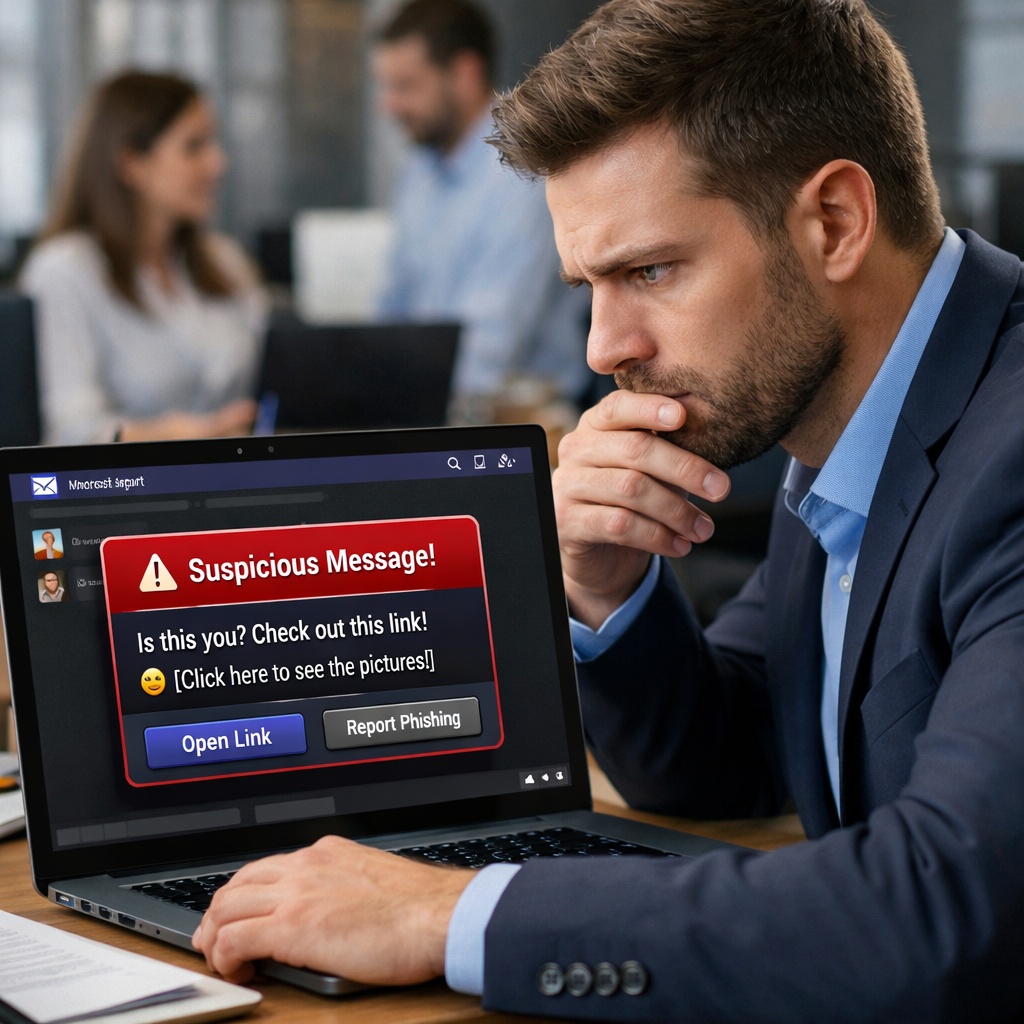
How the Attack Unfolds
The attack is designed to feel routine, even helpful.
It typically begins with a sudden influx of spam emails into your inbox. Shortly after, a message appears in Microsoft Teams from someone claiming to be from IT support or the helpdesk.
They offer assistance and provide a link to what appears to be a legitimate Mailbox Repair Tool.
At first glance, everything looks normal. The login page resembles Microsoft’s interface, and the process feels familiar. However, the system is designed to reject your password initially – creating the illusion of a typical login issue.
While you attempt to log in again, your credentials are silently captured.
At the same time, malicious files may begin installing in the background. By the time a “success” message appears, attackers may already have access to your account and device.
What’s Happening Behind the Scenes
This campaign uses a malware toolkit known as “Snow”, designed to remain hidden while establishing long-term access.
Once installed, it can:
- Deploy a fake browser extension to maintain persistence
- Create hidden connections to attacker-controlled systems
- Enable remote access to your device
- Capture screenshots and sensitive data
- Execute commands without your knowledge
Because it mimics normal system behaviour, detection can be difficult without proper security controls.
Why This Attack Is So Effective
What makes this threat particularly dangerous is its realism.
It doesn’t rely on poorly written emails or obvious scams. Instead, it:
- Uses trusted platforms like Microsoft Teams
- Mimics internal IT support processes
- Creates urgency through spam and system “issues”
- Follows familiar login workflows
For busy teams, it’s easy to assume the request is legitimate – especially when it appears to solve a problem.
How Your Business Can Stay Protected
The good news is that this attack can be stopped with the right awareness and safeguards.
1. Verify IT Communications
Always confirm unexpected support messages through known internal channels.
2. Avoid “Quick Fix” Links
Be cautious of links claiming to resolve urgent issues, particularly those received via chat.
3. Use Trusted Login Pages Only
Ensure all logins occur through official Microsoft domains.
4. Enable Multi-Factor Authentication (MFA)
MFA significantly reduces the risk of unauthorised access – even if credentials are compromised.
5. Report Suspicious Activity Immediately
Early reporting can prevent a single incident from becoming a wider breach.
6. Train Your Team
User awareness remains one of the strongest lines of defence.
The Bottom Line
This is not just another phishing attempt – it’s a sophisticated attack designed to exploit trust in everyday business tools.
For organisations using Microsoft 365, vigilance is critical.
If something feels unusual, it’s always better to pause and verify before taking action.
Need Help Securing Your Business?
At Netlogyx Technology Specialists, we help businesses stay ahead of evolving cyber threats with proactive security solutions and expert guidance.
Book a Complimentary Discovery Session Today (we are not looking to replace your current provider, just offering an alternative perspective)

If you’d like a review of your current setup or want to ensure your team is protected against threats like this, get in touch with our team today.
🌐 www.netlogyxit.com.au
📞 +617 5520 1211