
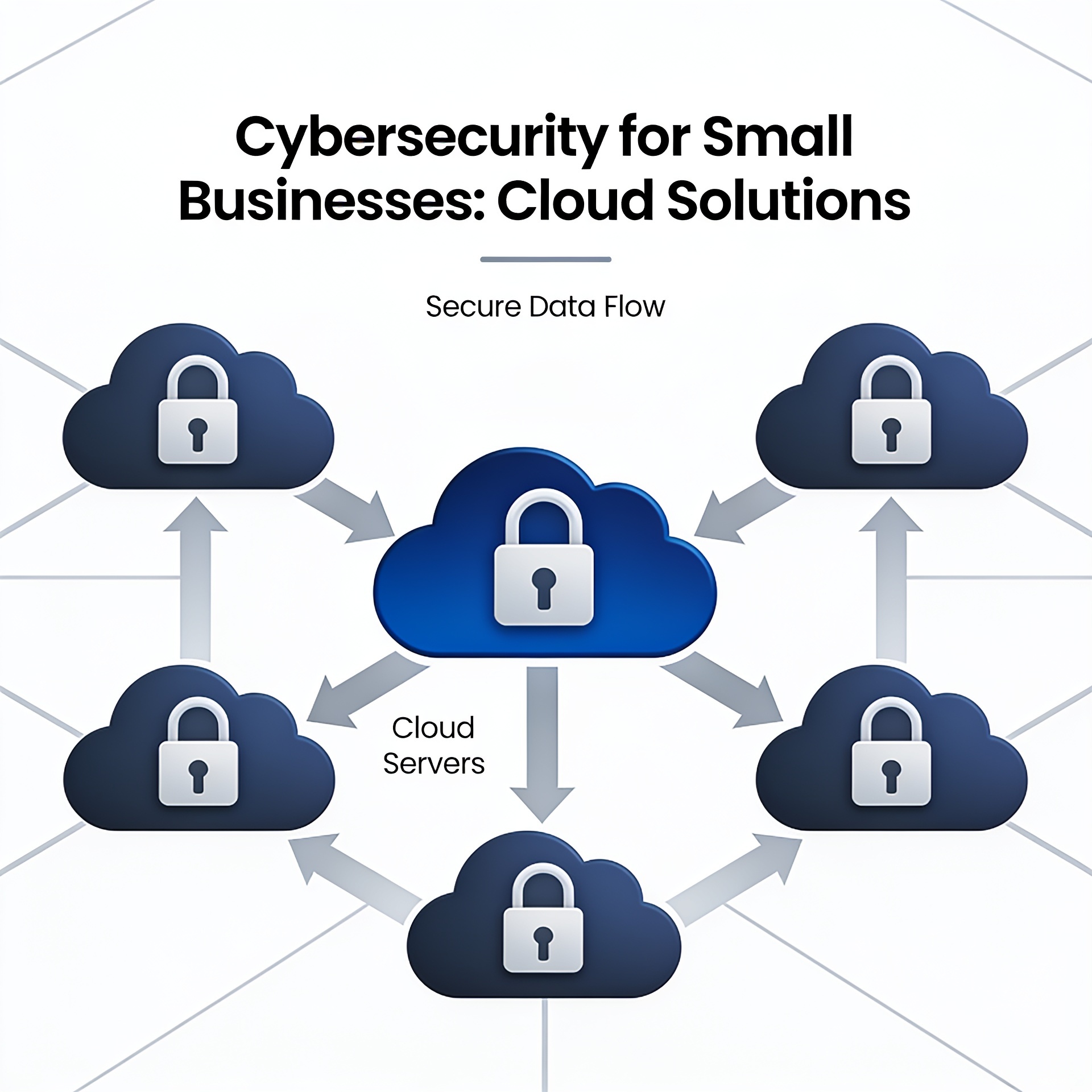
Understanding the Importance of Securing Microsoft 365
For small businesses leveraging cloud solutions, Microsoft 365 offers a powerful platform that combines productivity with flexibility. However, ensuring that your Microsoft 365 environment is secure is crucial to protect sensitive data and maintain operational integrity. With the increasing sophistication of cyber threats, implementing robust security measures can no longer be an optional strategy. Let’s explore the key steps to secure your small business with Microsoft 365.

Implementing Multi-Factor Authentication
Multi-Factor Authentication (MFA) is a critical security feature that adds an extra layer of protection by requiring users to verify their identity through multiple methods. By integrating MFA, businesses can significantly reduce the risk of unauthorized access. Learn more about its importance in our MFA Fatigue Attacks article.
Regularly Review and Update Security Settings
Security settings within Microsoft 365 should be regularly reviewed and updated as cyber threats evolve. This includes attentively managing user permissions, access controls, and compliance settings to align with the latest security protocols.
Data Encryption and Password Management
Encrypting your data ensures that even if it’s accessed by unauthorized individuals, it remains unreadable without the proper decryption key. Additionally, promoting strong password policies and using a password manager can prevent breaches caused by weak or reused credentials. Check out more about Password Security for Business.
Regular Security Audits
Conducting regular security audits can highlight vulnerabilities within your system that could be exploited by attackers. These audits should encompass a comprehensive analysis of your cloud infrastructure, including a review of your network settings. Learn more about the benefits of regular security audits.
Employee Training and Awareness
Human error remains one of the dominant causes of successful cyber attacks. Equip your staff with the knowledge to recognize phishing attempts and other malicious activities. Developing a regular training schedule will empower your team to become the first line of defense in your cybersecurity strategy.
Backup and Recovery Solutions
Implementing a reliable backup and recovery solution within your Microsoft 365 setup is essential to ensure data can be restored in the event of a ransomware attack or other data loss incidents. Take proactive steps now by understanding our guide to data backup and disaster recovery.
Conclusion
Securing your Microsoft 365 environment involves a multi-faceted approach that combines technology, policies, and awareness. Our team at Netlogyxit is dedicated to providing small businesses across Australia with customized solutions to enhance their cybersecurity posture. Reach out for tailored advice and solutions designed to secure your digital workspace.
Frequently Asked Questions
Why is Multi-Factor Authentication important for Microsoft 365?
Multi-Factor Authentication adds an extra layer of security to your Microsoft 365 account, significantly reducing the risk of unauthorized access by requiring additional verification methods.
How often should security audits be conducted?
Security audits should be conducted regularly, ideally semi-annually or quarterly, to identify and rectify any vulnerabilities in your cloud environment.
What are the risks of not securing Microsoft 365?
Failing to secure Microsoft 365 can lead to data breaches, unauthorized access, and potential financial losses due to compromised sensitive information.
How can employee training help in cloud security?
Employee training increases awareness of security best practices and helps employees recognize phishing attempts and other threats, reducing human error-related breaches.
What steps can be taken to secure data backups?
Ensure that backups are encrypted, regularly updated, and stored in multiple locations to guarantee their availability during data recovery processes.
Sources & References
- Protect Your Office 365 Environment with Security Defaults
- Cyber Security Guide for Small Business
- Small Business Cyber Security: Threats and Best Practices
- Understanding the Essential Eight Security Strategy
- Data Encryption Basics
